Import · Updated
Turn your Google Maps Timeline into a travel atlas
If Location History has been on, Google knows every place you slept for years. Export Timeline from your phone, and Trafays turns those nights away into trips in one atlas, without the commutes and the supermarket runs.

Google knows where you slept on the second night of that trip in May 2017. If Location History was on, it has been writing down every place you stopped, every day, for years.
What it doesn’t give you is a view of all those years at once. Since 2024 Google keeps Timeline on your phone only, and the Maps app shows it a day at a time. Trafays reads the file Google lets you export and turns it into what you actually wanted: your trips, on one map.
From years of dots to a list of trips
A Timeline holds thousands of visits: work, the gym, your parents’ house. Most of it isn’t travel, so the import is strict about what counts.
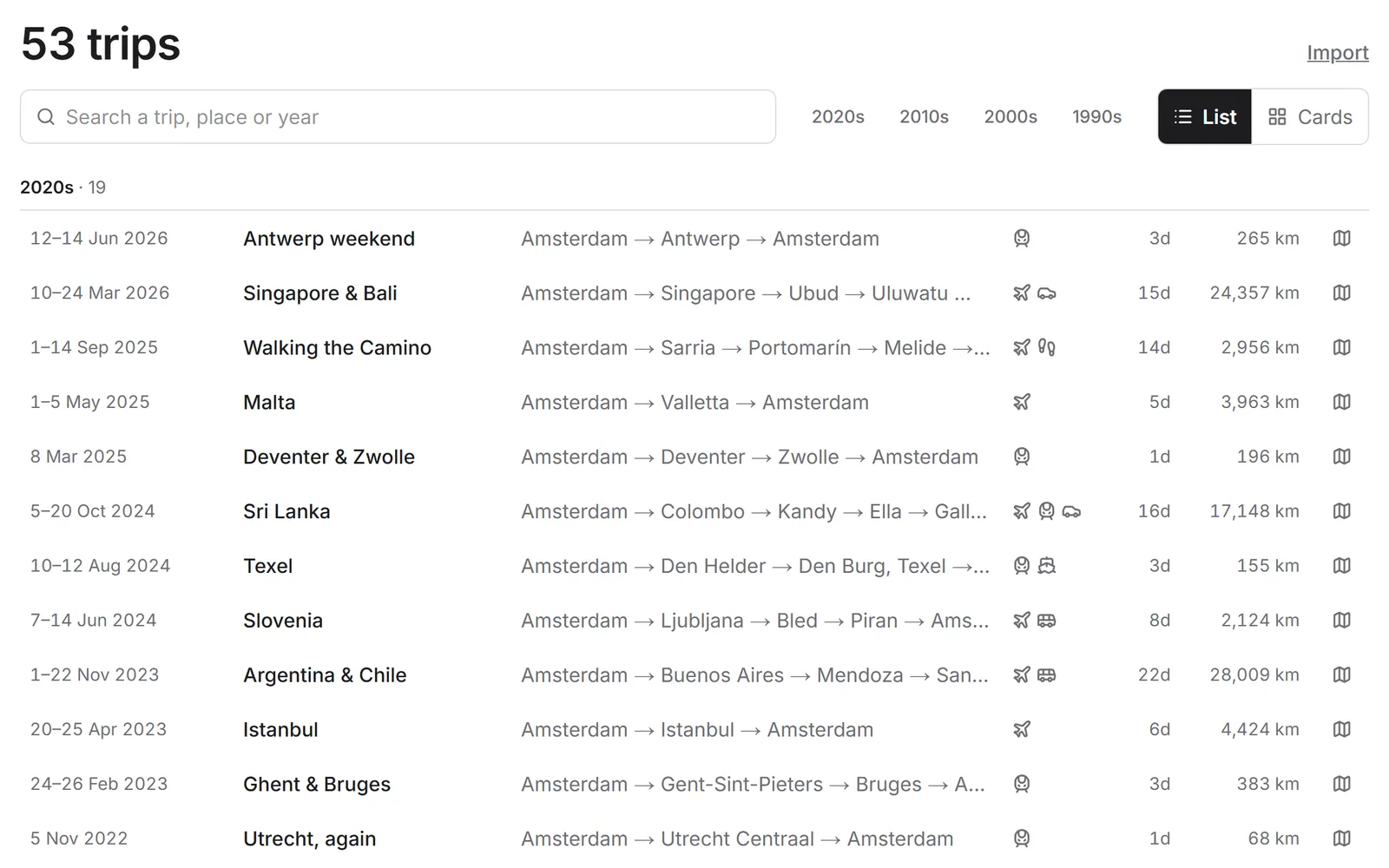
A trip is a run of nights you slept away from every place Google calls home. Each place you slept is a stop. Your commute, your errands and your evenings out never become anything. How you got between stops comes from Google’s own guess (flying, a train, a car), which is right most of the time and easy to fix when it isn’t.
You choose how much detail you want:
- Highlights. Only trips abroad, or of three nights or more.
- Every trip. The default. It leaves out places you go often, like a partner’s, and starts a single night in your own country unticked: that’s more often a visit to family than a trip.
- Everything. Adds day trips 100 km or more from home, and the places you stopped for two hours or more on the way.
Switching between them is instant, so try all three and keep the one that looks like your life.
How to export your Timeline
Timeline lives on your phone now, so the export starts there:
- On Android: Settings → Location → Location services → Timeline → Export Timeline data.
- On an iPhone: Google Maps → Settings → Personal content → Export Timeline data.
That gives you a file called Timeline.json. Open Trips → Import in Trafays, pick it, choose your level of detail, untick anything you’d rather leave out, and save. You need a free account for that; the import page asks you to make one and brings you straight back.
An older Google Takeout ZIP with a Semantic Location History folder in it works too. A recent Takeout doesn’t: Timeline isn’t in it any more. Records.json, KML and GPX files don’t work either, because they’re tracks without the places you stayed.
What we keep
The file is read on your device, not uploaded. From it we keep only what the atlas needs: the cities you slept in, the dates and the nights. Never the GPS points, never your daily routine, never the places in between.
A trip that starts within a day of one already in your atlas, in the same country, starts unticked, so a holiday your Polarsteps import already brought in doesn’t land twice. And if the import isn’t what you hoped, you can undo all of it from the import page, even weeks later.
What’s left after that is the part no phone recorded: the trips from before you had one. Add those from memory, with a month or just a year as the date.