Import · Updated
Bring your Polarsteps trips to Trafays
Polarsteps keeps every trip on its own map. Give Trafays the ZIP Polarsteps emails you, and every trip you tracked lands in one atlas of your life, next to the years before you had the app.
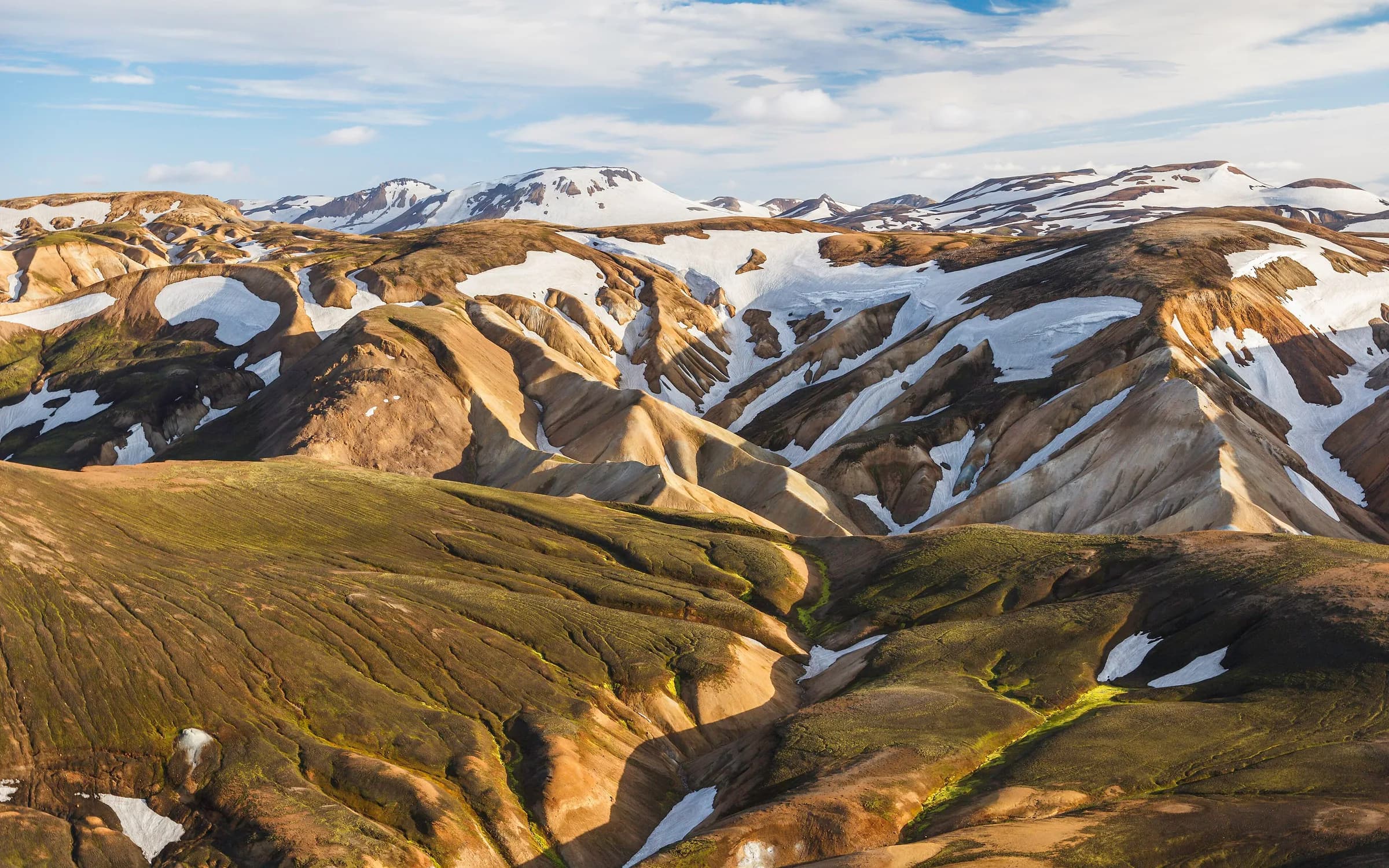
The ring road round Iceland in 2019. The Balkans by train in 2022. A long weekend in Porto last spring. In Polarsteps each of those is its own trip, with its own map, and nowhere do you see them together.
Trafays reads the copy of your data that Polarsteps sends you and puts every one of those trips on a single atlas. It takes about a minute, and nothing in Polarsteps changes.
What you get
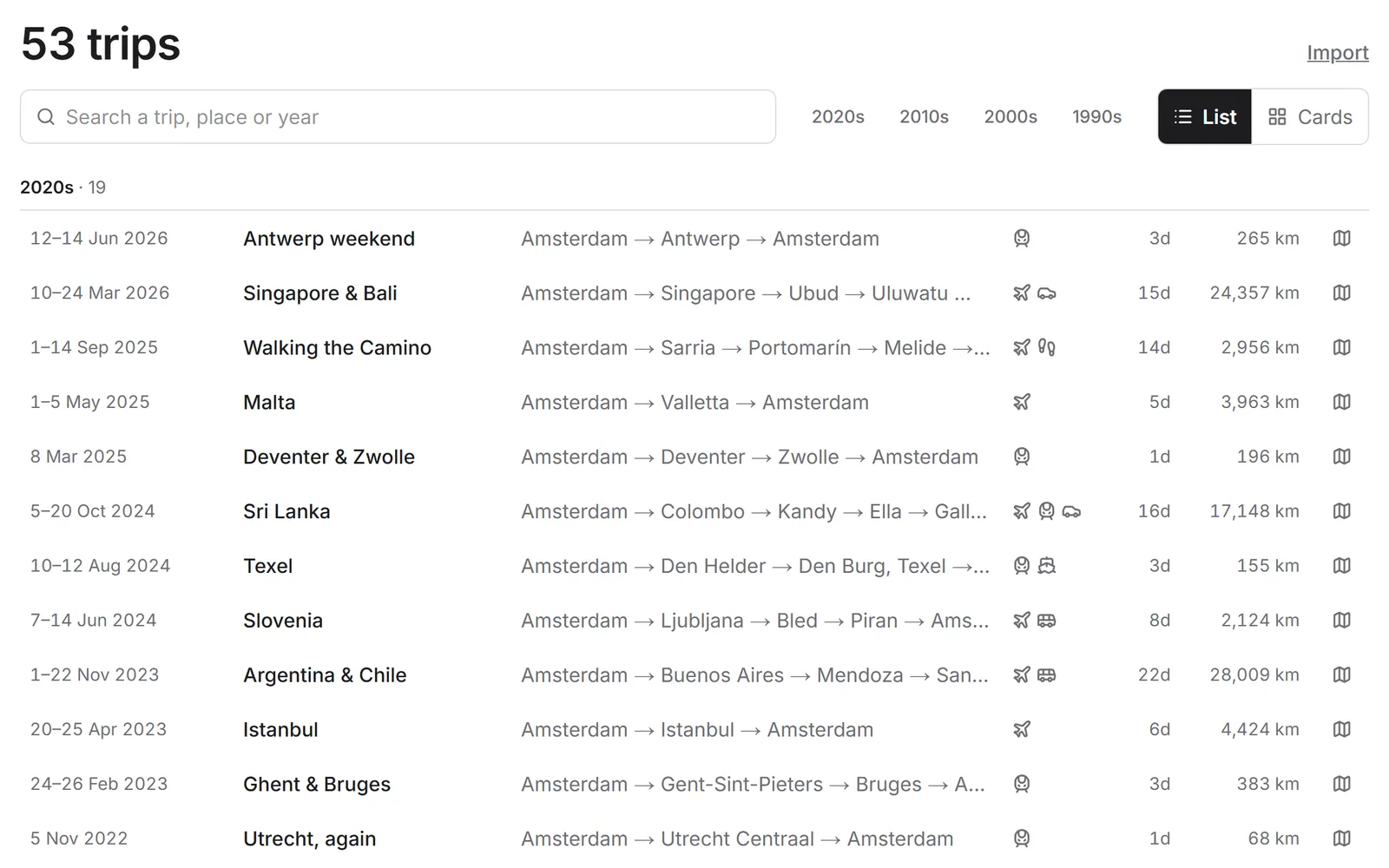
- One atlas for every trip. Each Polarsteps trip drawn as a route: by road, rail or ferry where you went overland, as an arc where you flew.
- Numbers across all of them. Countries, continents, kilometres and days away, added up over every trip rather than one at a time.
- Your years as stories. A recap for each year and each decade, and a poster of the whole atlas.
- Room for the years before. Add the trips Polarsteps never saw, from memory. A month or just a year is a good enough date.
How to bring them over
- Ask Polarsteps for your data. Polarsteps’ help page explains where. They email you a ZIP called user_data.zip.
- Pick the ZIP in Trafays. Open Trips → Import and choose the file. No need to unzip it, however big: only the trip files in it are read, never the photos.
- Look over what was found, then save. You see every trip before anything is saved. A trip that starts within a day of one already in your atlas, in the same country, starts unticked, so nothing lands twice.
You need a free Trafays account for step 2. If you don’t have one yet, the import page asks you to make one and brings you straight back. Want a look first? The carbon calculator reads the same ZIP without an account, and shows your trips on the atlas with their CO₂.
What we keep, and what stays in Polarsteps
The file is read on your device. From each trip we keep its dates and the city each step is in. A few steps in one city become one stop, with the nights you spent there.
We never keep GPS tracks, photos or journal text. Your Polarsteps journal is a good home for those, and it stays there.
How you travelled between stops is guessed from the distance: over 700 km counts as a flight. Open a trip to change it, or anything else, in the editor. If the whole import isn’t what you hoped, you can undo it from the import page, even weeks later.
Keep using Polarsteps for the trip you’re on
Polarsteps is very good at what it’s built for: tracking a trip while your phone is in your pocket, and letting friends and family follow along. Trafays doesn’t track you live, on purpose.
So use both. Track the next trip in Polarsteps, then import again when you’re home. The trips already in your atlas start unticked, so only the new one comes over. Wondering how the two compare in more detail? We wrote Trafays vs Polarsteps.